Scan the QR
Open Developer options → Wireless debugging on your phone, and scan the QR code shown by the desktop companion.
Mirryl connects your phone to your desktop over wireless debugging (ADB), keeps the connection stable across reboots, and mirrors the screen with full control. Pair with a QR code — no drivers, no commands.
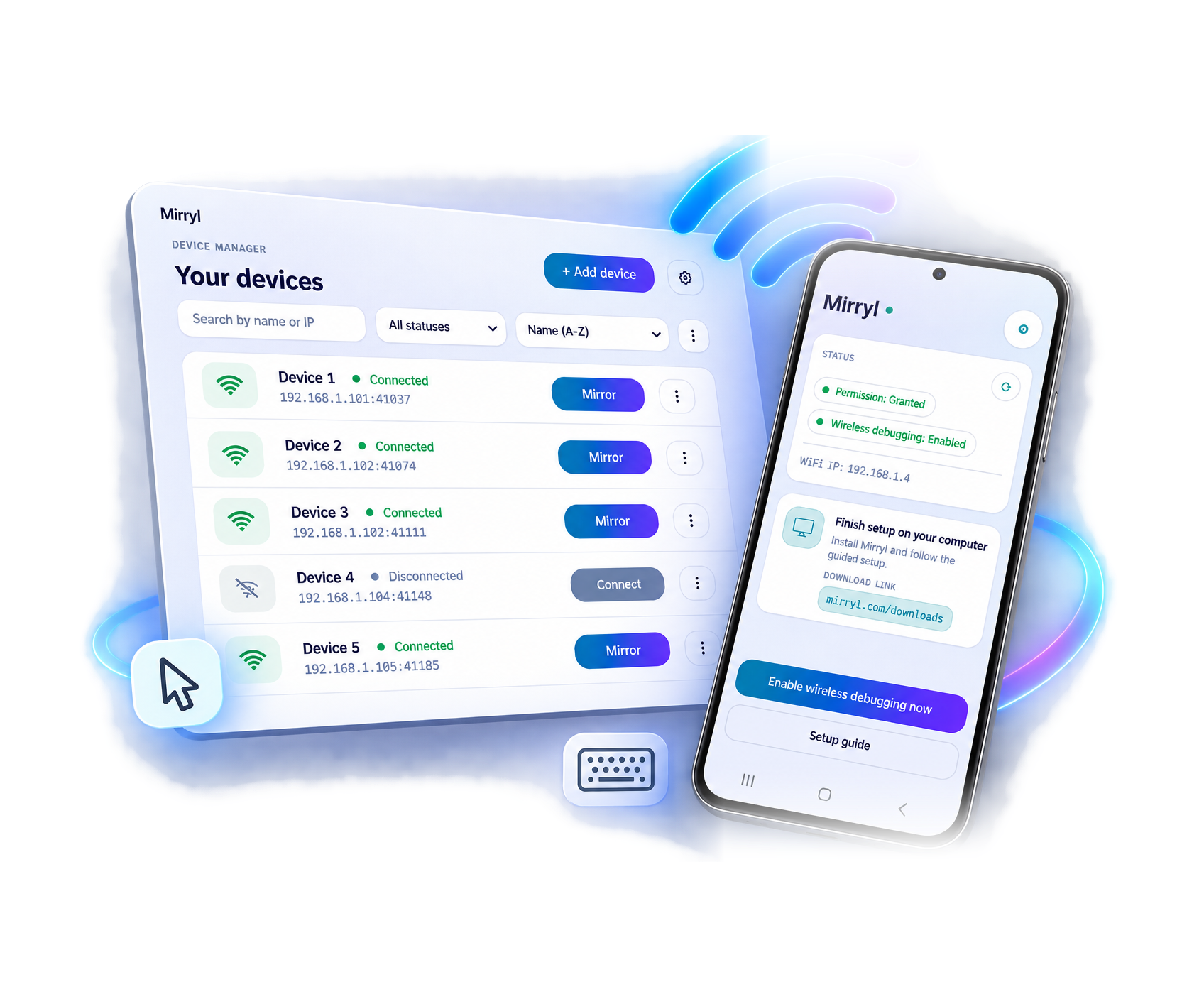
Three steps for the wireless experience, with USB debugging ready as a fallback.
Open Developer options → Wireless debugging on your phone, and scan the QR code shown by the desktop companion.
Mirryl turns on wireless debugging (ADB) and keeps the connection stable, even after your phone or your desktop reboots.
Mirror and control your Android from your desktop, with mouse and keyboard, no cables needed.
Pair once with a QR code and keep your phone free from cables for the everyday Mirryl experience.
If WiFi is unavailable or you need to troubleshoot, connect a cable and continue with USB debugging.
The companion runs on your desktop. The Android app is installed once.
Coming soon on Google Play
Mirryl is in beta. During the beta it costs nothing; a paid version is planned.
Six months per computer, no credit card required.